MCP beyond the hype
How AI agents connect to tools, data, and real systems

AI agents are useful only when they can reach the world outside the chat box. They need files, calendars, databases, APIs, code repositories, search tools, and sometimes internal company systems.
That is where Model Context Protocol, or MCP, becomes interesting.
MCP is an open standard for connecting AI applications to external systems. The official MCP documentation describes it as a way for apps like Claude or ChatGPT to connect to data sources, tools, and workflows through a shared protocol. OpenAI's Agents SDK uses the same simple analogy: MCP is like a USB-C port for AI apps.
That analogy is helpful, but it hides the serious part.
A USB-C port can charge your laptop. It can also connect a device you do not trust. MCP has the same shape. It can make agents more useful, but it also creates a new security boundary where language models can request real actions.

Image credit: Aerps.com on Unsplash
Why MCP exists
Before MCP, every AI app had to build its own integration layer.
If your assistant needed GitHub, Slack, Notion, Postgres, and Google Drive, you wrote custom connectors for each one. Then another AI app had to do the same thing again. The result was a messy grid of integrations.

MCP tries to replace that pattern with a common protocol.
Instead of each app writing its own custom connector, a tool provider can expose an MCP server. Any MCP compatible client can connect to it. That does not remove all integration work, but it changes where the work happens.

Anthropic introduced MCP in 2024 as an open standard for secure two way connections between AI tools and data sources. GitHub also describes MCP as a standard way to connect AI models to different data sources and tools, including GitHub Copilot integrations.
That timing matters.
AI tools are moving from autocomplete to action. They are no longer just writing text. They are reading repositories, creating pull requests, querying data, scheduling meetings, and calling APIs.
MCP is one of the clearest attempts to standardize that shift.
How the architecture works
MCP uses three main roles.
| Role | What it means | Example |
|---|---|---|
| Host | The app the user interacts with | Claude Desktop, an IDE, an agent app |
| Client | The protocol component inside the host | One MCP client per server connection |
| Server | The external system connector | GitHub server, database server, file server |
The MCP architecture docs explain that a host creates MCP clients, and each client keeps a dedicated connection to a server. This is important. The host is the product you use. The client is the protocol piece. The server is the bridge to an external system.

MCP servers usually expose three kinds of capabilities.
| Capability | What it does | Simple example |
|---|---|---|
| Resources | Provide readable context | Read a file, fetch a database schema |
| Tools | Perform actions | Create an issue, run a query, call an API |
| Prompts | Provide reusable workflows | Summarize a repo, prepare a release note |
A resource is usually read focused. A tool can change something. A prompt is a reusable instruction pattern.
That difference matters for safety.
Reading a database schema is not the same as running a migration. Listing GitHub issues is not the same as closing one. A serious MCP setup should treat these capabilities differently.
Here is a simple request flow.

The model does not magically get access to everything. Access depends on the server, the client, the user approval flow, and the permissions granted to that connection.
That is the part teams need to design carefully.
Why security is the real story
MCP makes AI agents more useful by giving them better context and tools. It also gives attackers a bigger surface area.
The MCP specification is direct about this. It says the protocol enables powerful capabilities through arbitrary data access and code execution paths. That is not a small warning.
A normal API client follows code you wrote. An AI agent follows a mix of system instructions, user requests, retrieved content, tool descriptions, and model output. That makes trust harder.
OWASP's LLM Top 10 lists prompt injection as a major LLM application risk. It also warns about insecure output handling, plugin design, supply chain risk, and excessive agency. Those risks map closely to MCP systems because MCP gives models a path to tools.
The tricky part is that prompt injection can come from places that look harmless.
A malicious instruction can hide inside:
A GitHub issue
A README file
A support ticket
A calendar invite
A web page
A database row
A document shared with the agent
The agent may read that content as context, then treat part of it like an instruction.

This is why MCP security cannot be just an API key problem.
API keys answer one question: is this connection allowed? They do not answer a harder question: should the agent perform this specific action, at this specific time, based on this specific context?
That is the core risk.
MCP turns LLM security from a chat problem into a systems problem.

Image credit: Security keyboard on Wikimedia Commons
A safer production pattern
A safer MCP setup starts with a boring rule: do not give the agent more power than it needs.
That sounds obvious. It is also where many systems fail.
The best pattern is to put a policy layer between the AI host and sensitive MCP servers. That layer should handle approval, logging, rate limits, and tool restrictions.

A production MCP design should separate low risk and high risk actions.
| Action type | Example | Suggested control |
|---|---|---|
| Read only | List issues, read docs | Allow with logging |
| Low risk write | Draft a comment | Require user review |
| High risk write | Merge PR, delete record | Require explicit approval |
| Sensitive access | Query customer data | Limit scope and log every call |
| Code execution | Run shell command | Avoid by default, sandbox if needed |
A few rules help a lot.
Start with read only servers.
Use short lived credentials where possible.
Prefer scoped tokens over broad tokens.
Keep tool descriptions clear and narrow.
Log every tool call and response status.
Add human approval for writes.
Treat retrieved text as untrusted input.
Do not let one tool silently feed secrets into another tool.
The last point is easy to miss.
The danger is not always one tool. It is tool composition. A file reader plus a network sender can become a data leak. A database query tool plus a ticket updater can expose private data in a public issue.
Good MCP design is mostly about boundaries.
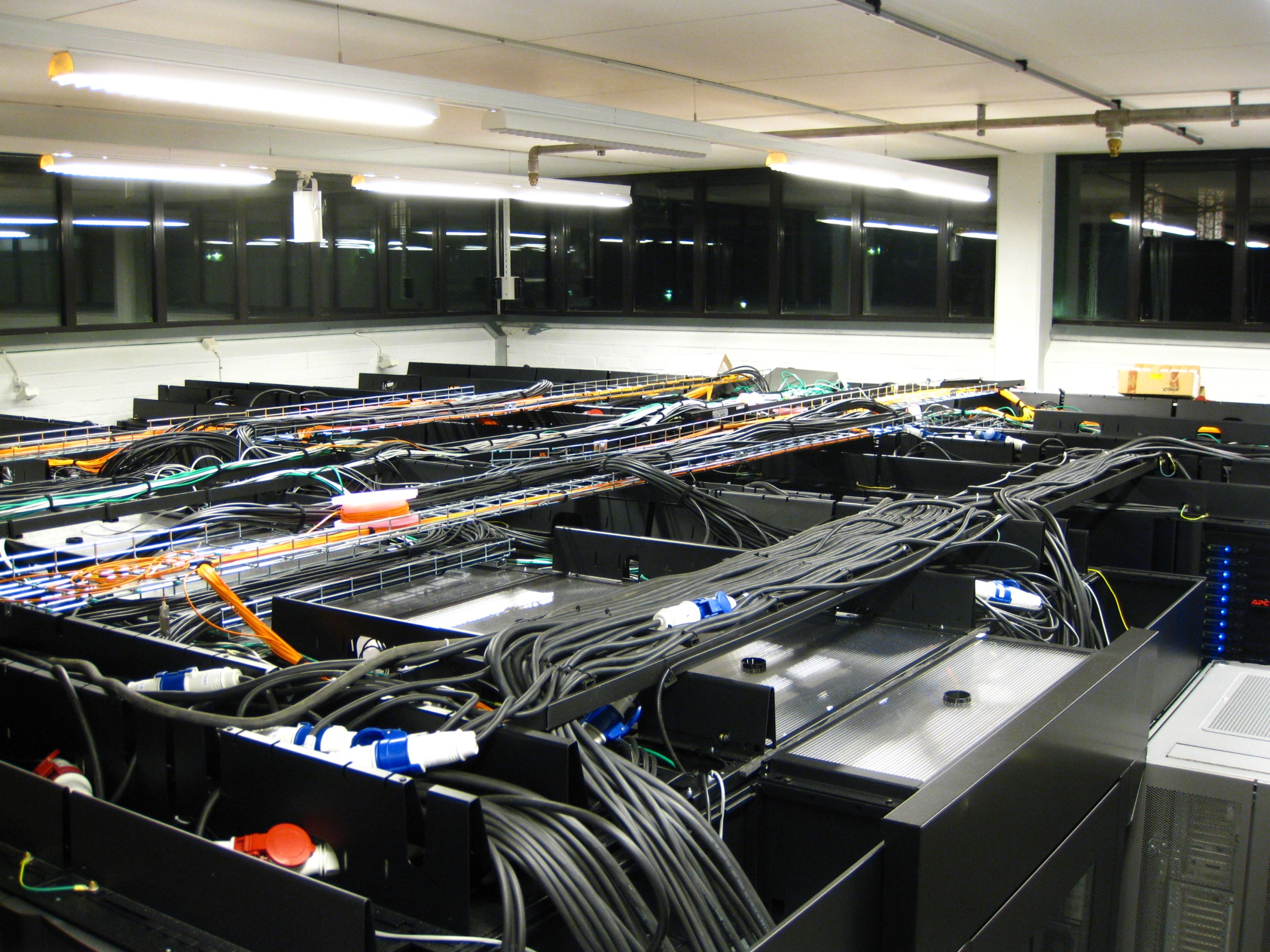
Image credit: PDC server room on Wikimedia Commons
What developers should build next
MCP is not magic. It is plumbing.
Good plumbing matters because it decides what can flow, where it can flow, and what happens when something breaks. That is why MCP is worth learning now.
The useful question is not, "Should every app support MCP?" The better question is, "Where would a standard tool interface remove custom glue without creating too much risk?"
MCP fits well when:
Your agent needs to read from many systems.
You want one connector to work across many AI clients.
You are building internal developer tools.
You need controlled access to company context.
You can define clear tool permissions.
MCP is a poor fit when:
You cannot audit tool calls.
The agent needs broad write access from day one.
The data is highly sensitive and poorly classified.
You have no approval flow for risky actions.
You are treating the model as a trusted decision maker.
My practical recommendation is simple.
Start with a small internal MCP server. Give it read only access. Connect it to something useful, like documentation, issue search, or service metadata. Watch how people use it. Then add write actions one by one, with approvals and logs.
That path is slower than a demo.
It is also how you avoid turning a useful agent into a confused intern with production credentials.
MCP is probably going to matter because it gives AI apps a shared way to connect to the world. But the winners will not be the teams with the most tools. They will be the teams with the clearest boundaries.


